
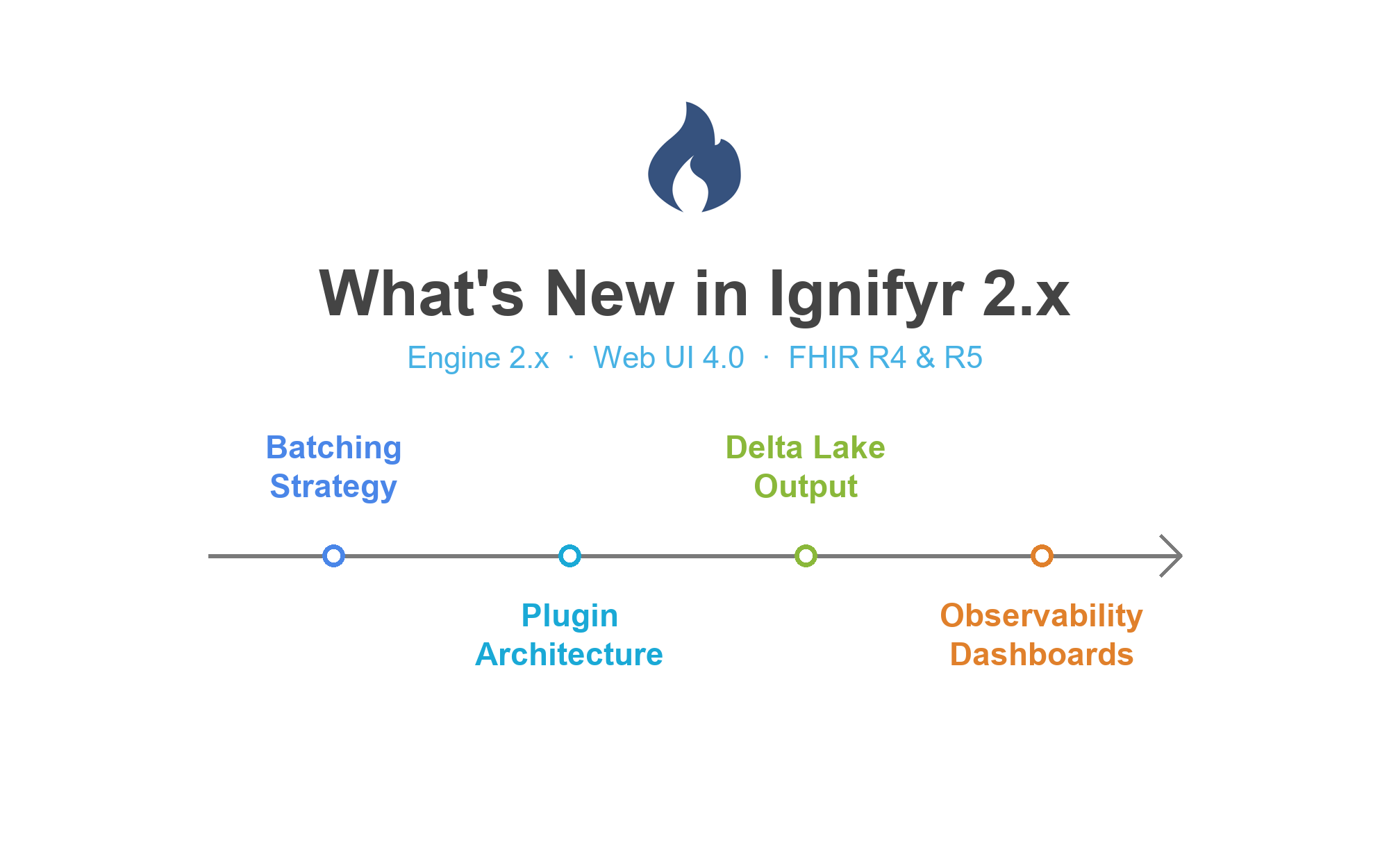
What's New in Ignifyr 2.x

A. Anil Sinaci
Ignifyr TeamThe past year has been a busy one. toFHIR has become Ignifyr, the engine has moved to its 2.x line and the web interface to version 4.0. Along the way, we added a batching strategy for very large sources, a plugin architecture, new output options and better observability. Here are the highlights.
From toFHIR to Ignifyr, in two editions
toFHIR, the mapping engine that SRDC developed in European research
projects, is now Ignifyr, a commercially supported
product of Pontegra. Package names, configuration keys, Docker images and
REST paths now all use the ignifyr name. The Community README
includes a migration guide for existing toFHIR deployments.
- Ignifyr Community is the Apache 2.0 licensed engine and command-line tool, available on GitHub. It reads files and SQL databases, writes to FHIR servers and files, and runs batch jobs.
- Ignifyr Enterprise adds the web interface and REST API, Kafka, FHIR server and REDCap sources, streaming and scheduled jobs, Delta Lake output, RxNorm functions, observability dashboards and full support.
Batching strategy for very large sources
Some sources are simply too large to process in one go. With the new
batching strategy, you define parameter keys and parameter sets for a
mapping job, or generate them from ranges such as years or ID ranges, with
optional zero padding. Ignifyr substitutes each parameter set into the
$param placeholder of the preprocessing SQL and runs the job
once per batch. The strategy is designed for sources with 10 million rows
and more, and the Kibana dashboards show the progress of each batch.
A plugin architecture
Every connector, sink and format is now a separate module that the engine
loads at startup through a plugin interface. Streaming, scheduling, REDCap
integration and observability are installable modules as well. You deploy
only what you need, and the new list-plugins command shows
what is installed.
onFHIR 4.0 under the hood
Ignifyr now builds on the released onFHIR 4.0 libraries and Apache Spark 3.5. It supports both FHIR R4 and R5, and the FHIRPath engine brings more than 125 standard and mapping-specific functions to your mappings.
More input and output options
- Delta Lake output (Enterprise) writes FHIR resources as Delta tables for lakehouse architectures.
- Partitioned CSV output: CSV files can now be partitioned by resource type, just like NDJSON and Parquet output.
- Schema enforcement for SQL sources: the column types in your source schema are applied when data is read from a database.
Terminology and identifiers
- Concept maps and unit conversions together: mapping contexts can now combine concept maps and unit conversions, so a code lookup and a unit conversion are processed in one step.
- RxNorm functions (Enterprise): the
rxn:function library finds RxNorm concepts by NDC code, retrieves medication details, lists the ingredients of a drug and looks up its ATC codes. - Hashed integer IDs: the new
mpp:getHashedIntIdfunction creates deterministic, bounded integer IDs from SHA-256 hashes, next to the existingmpp:getHashedIdfunction. Both let you create stable resource IDs without copying source identifiers.
Observability
Enterprise deployments can ship execution logs as JSON through Fluentd to Elasticsearch. Ready-made Kibana dashboards show executions, errors and batch progress, and they are embedded in the execution monitoring pages of the web interface.
Web interface 4.0 highlights
- A refreshed interface built on Angular 20.
- Import FHIR profiles, such as US Core, from a FHIR server or a ZIP file of StructureDefinitions, and use them as mapping targets.
- A reworked mapping tester: choose how many rows to test, see results grouped by source row, and tell mapping errors, invalid input and invalid resources apart. Validate one or all results against your FHIR server, and keep several saved test configurations.
- A SQL editor for SQL sources, drag-and-drop ordering of mapping tasks, duplicate mapping detection and filtering mappings by resource type.
- A batching strategy editor, a cron expression editor for scheduled jobs, and resuming streaming jobs from their last checkpoint.
Want to see how these features work on your own data? Explore our use cases, try Ignifyr Community on GitHub or request a demo.